Initial zoom setting on ios

I have installed Jump for ios on iPhone 6.
Global settings are Align to Top, Start with Toolbar Hidden, Start Zoomed out.
I made a connection with resolution of 375x667, resolution of the iPhone 6. It is set to Locked Screen, Match iPhone Display is off, Desktop Scale is 100%. When I connect in it displays in the middle of the screen:

If I drop the toolbar and press on the magnifying glass it then goes to the full size:
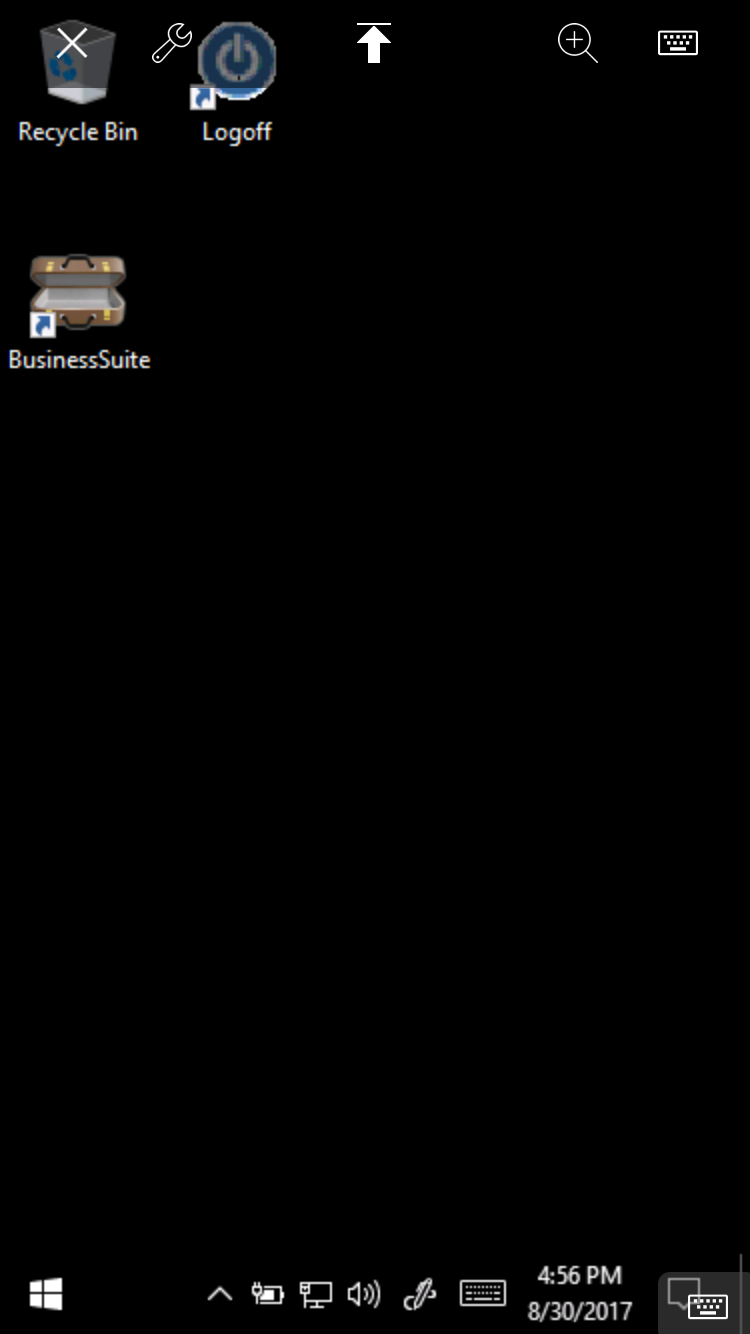
How do I make it start in that zoomed state so I don't have to train users to zoom in for every session?
Thanks.
Please sign in to leave a comment.
Comments
0 comments