Reverse scrolling from MacBook?

Hi,
I was wondering if there is a way to reverse the scroll direction on the remote computer (Win 7) while using my local computer (MacBook pro)?
The remote computer has settings that reverses the scroll (so its like OSX) but when I use Jump, it is reversed again (so it undoes the reverse scroll). I hope you can understand what I mean.
Thanks.
Nori
-
Official comment

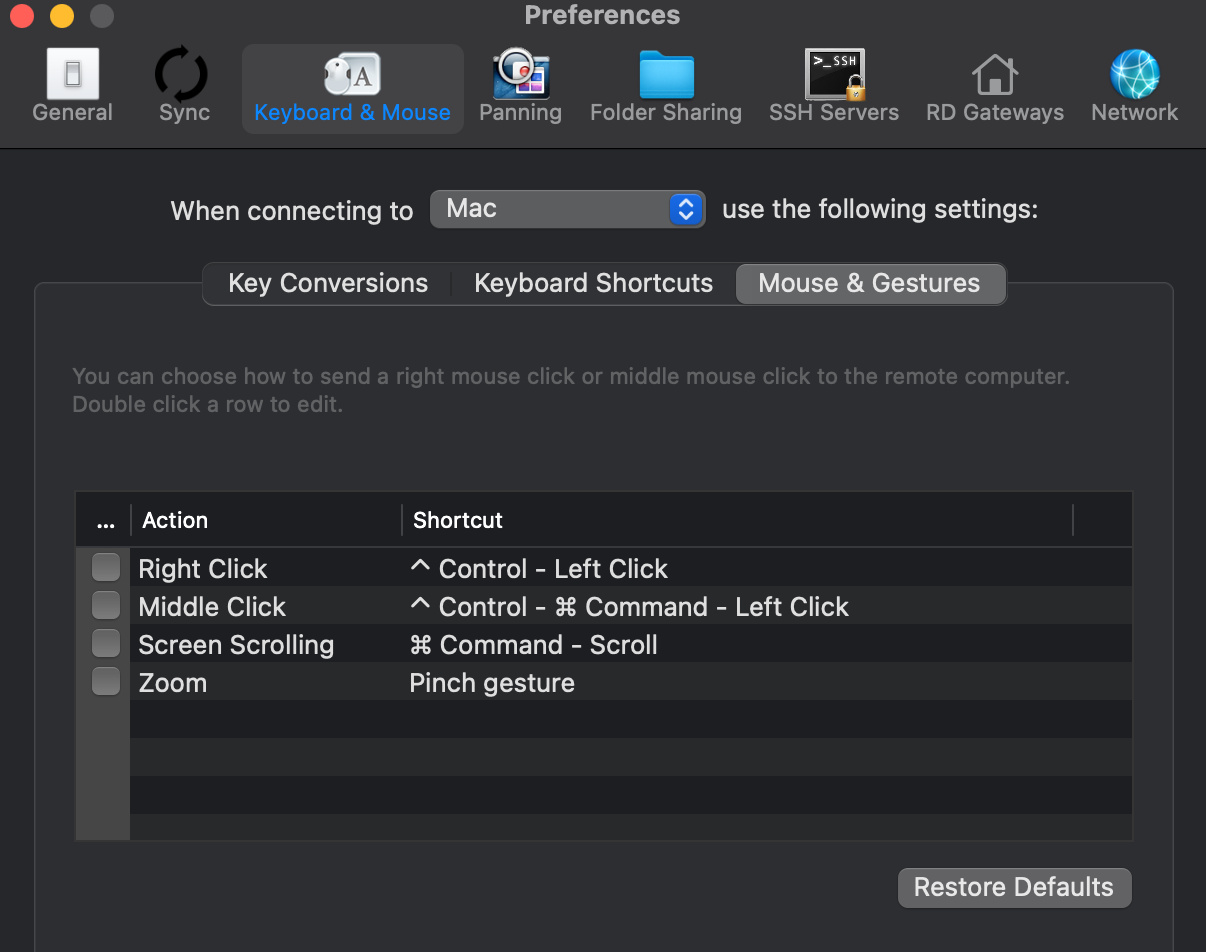
Sorry - at the moment there is no way to do this as of Jump Desktop 6.0.3 for Mac. We'll try adding this for 7.0.
Comment actions -

Hi Tether,
If you are connecting from an iOS device, you can adjust this setting within the Jump Desktop app on your device.
To do so, open the Jump Desktop app and tap on the gear icon located at the top left corner of the screen. From there, navigate to the 'Mouse & Gestures' section.
In this menu, you will find an option to enable 'Reverse Scroll Direction.' Simply toggle this setting.
Let me know how it goes


Please sign in to leave a comment.
Comments
4 comments