Destop app - cannot see connections

Hi,
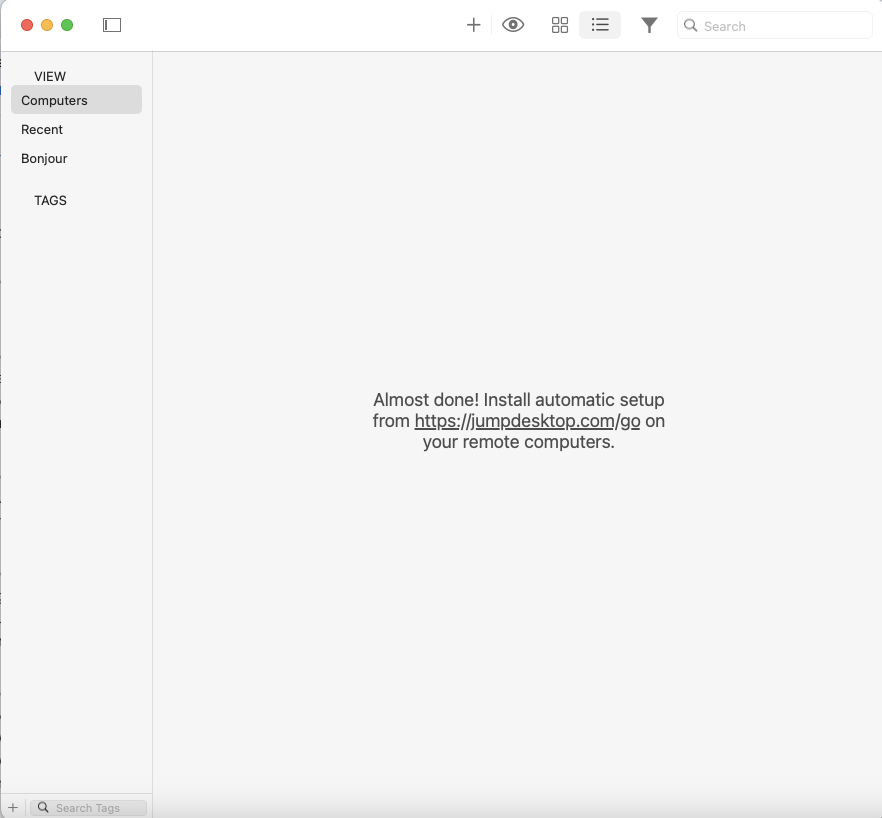
I am able to connect my macbook pro 2019, 16 inch to my ipad pro 11 M4. But I cannot see my connection on the jump desktop app, it looks like it does below. I have restarted both devices, and no change.
This means that I cannot exit the connection once I am done, and cannot edit any of the settings for the connection.
Additionally, when using the connection on the ipad, it is somewhat blurred. Not to the point of being unusable, but not comfortable. I think I should be able to work at this if I can see the connection.
Any help would be much appreciated.
Thanks!
Please sign in to leave a comment.
Comments
0 comments