Minimize from full screen

To minimize from full screen, first you must hit the "multi arrow icon" to leave full screen, then select minimize. To bring back the window to full screen then, you must bring up the active session and select to go back to full screen.
It would be nice if there was a way to minimize a session from full screen, and then when you bring it back up it came up back in full screen.
-

I would like to resurrect this old request. I've just started using Jump Desktop, both ways (Win>Mac and Mac>Win) and I prefer to use fullscreen mode exclusively.
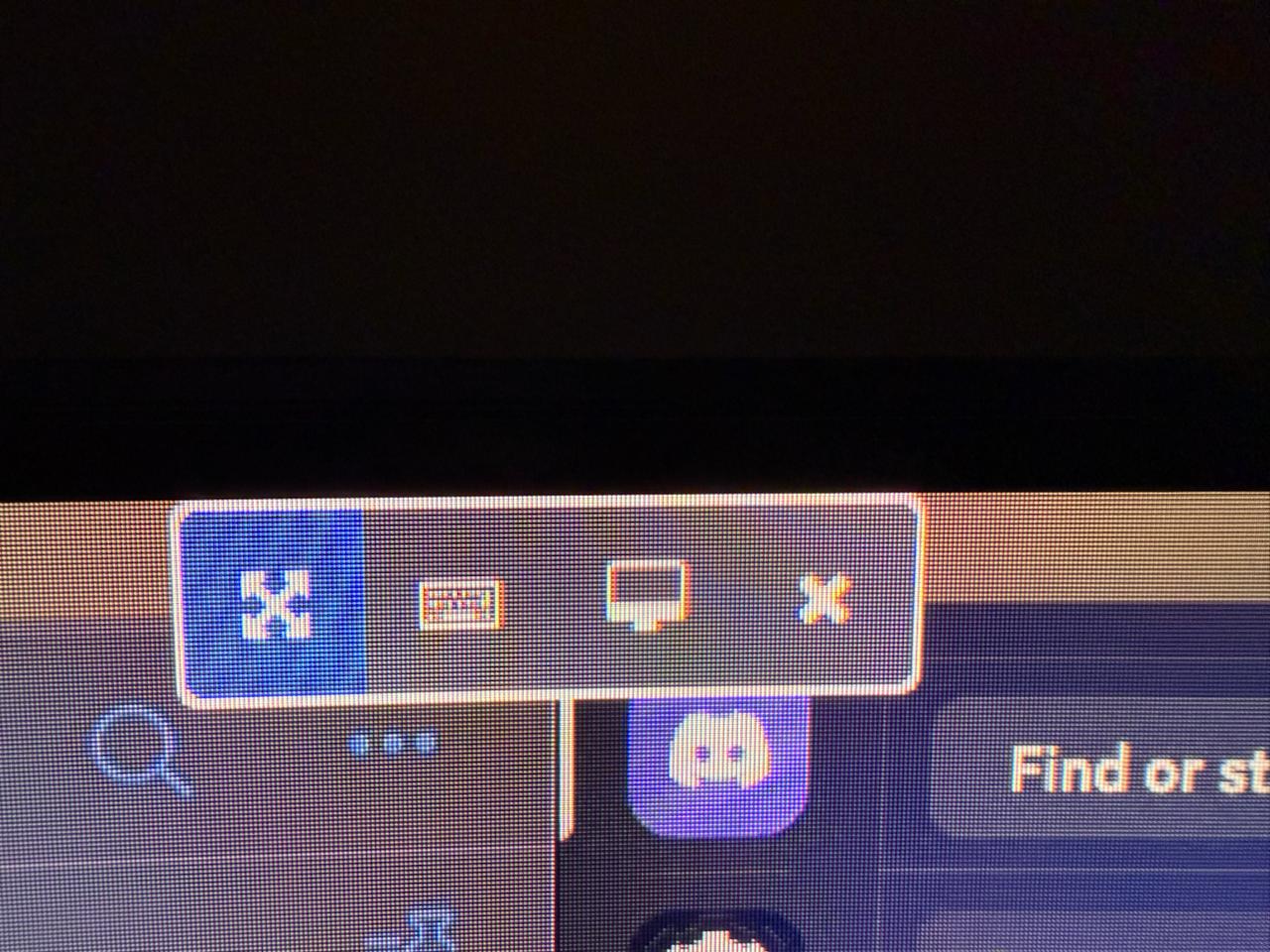
When pushing the mouse cursor against the top of the screen to expose the fullscreen control panel, there are four buttons to click: exit fullscreen, input options, display options, and close.
I propose adding a fifth button, minimize, which will minimize the fullscreen window to the taskbar, and clicking the minimized taskbar button will restore it to fullscreen. This should be made available to both Windows and Mac viewers. Thanks!
-

I came here because I had the same issue. I found a workaround - using Autohotkey to assign a minimize key.
My code looks like this and matches Ctrl-F12 - you'd need to modify it to match your window title = remote host name:
; Jump Desktop specific mappings (only active when Jump Desktop window is focused)
#HotIf WinActive("Dev-Mac-Mini")
^F12::WinMinimize "A" ; Minimize active window (Ctrl+F12)
#HotIf ; End Jump Desktop contextThis works even when fullscreen.
Please sign in to leave a comment.
Comments
2 comments