To disconnect from your computer first reveal the top toolbar by tapping the semi-opaque bar at the top of your iPad / iPhone. Then tap the X button on the left to disconnect.
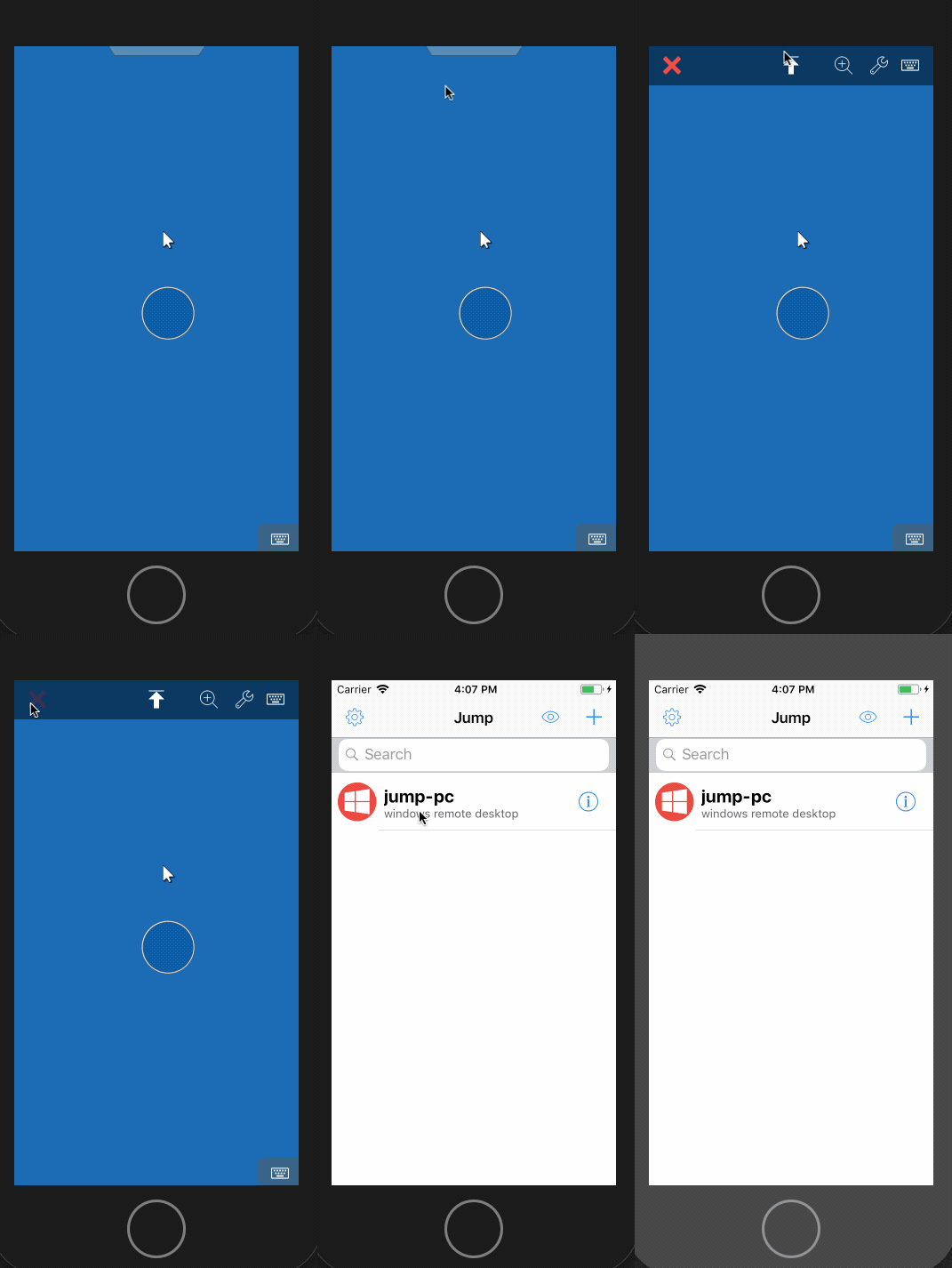

To disconnect from your computer first reveal the top toolbar by tapping the semi-opaque bar at the top of your iPad / iPhone. Then tap the X button on the left to disconnect.
Comments
1 comment
It should also cover how to disconnect when using a Mac or Windows client.
Please sign in to leave a comment.