Sonoma and Mutliple Display Lag

I've been using Jump Desktop for a few years now, starting with my Intel iMac and now on an M2 Mac Studio. I'm currently running macOS Ventura 13.6.7 with three external displays, and everything is working smoothly. My left-most display is my native Mac desktop, while the two on my right are for a machine I remote into using Jump.
However, since trying macOS Sonoma, I've experienced terrible lag in Jump, making it unusable. The only way to fix this issue is to enable "Displays have separate Spaces," which completely disrupts my workflow. As soon as I turn that setting off, the lag reappears in Jump. I've been in contact with the developers at Jump for several months, and they claim this is an Apple issue. Unfortunately, Apple has yet to respond or acknowledge that applications like Jump are broken in Sonoma.
Has anyone else experienced this issue with Sonoma and multiple displays? How have you managed to work around it? Any insights or solutions would be greatly appreciated.
-

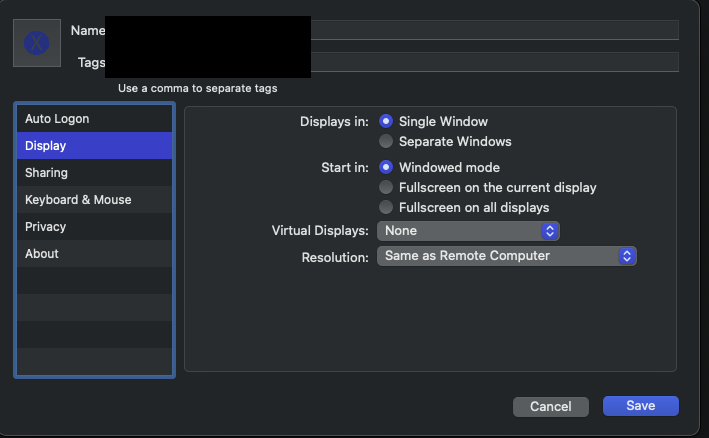
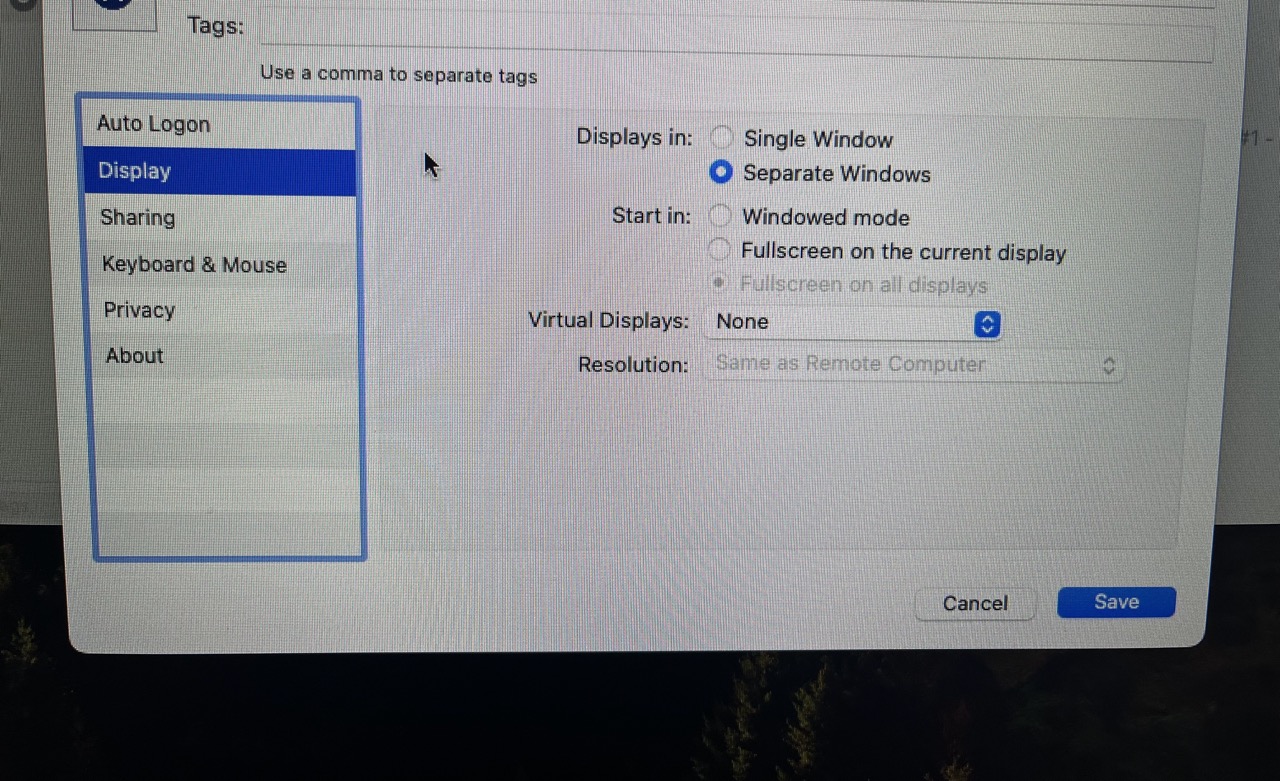
The problem I described still exists: severe picture lag when I have Jump set to Displays in Separate Windows. Jump continues to work acceptably when set to Display in Single Window. However, I'm still running Sonoma -- either the fix only works on Sequoia, or the problem I'm experiencing is different from Al's.
-

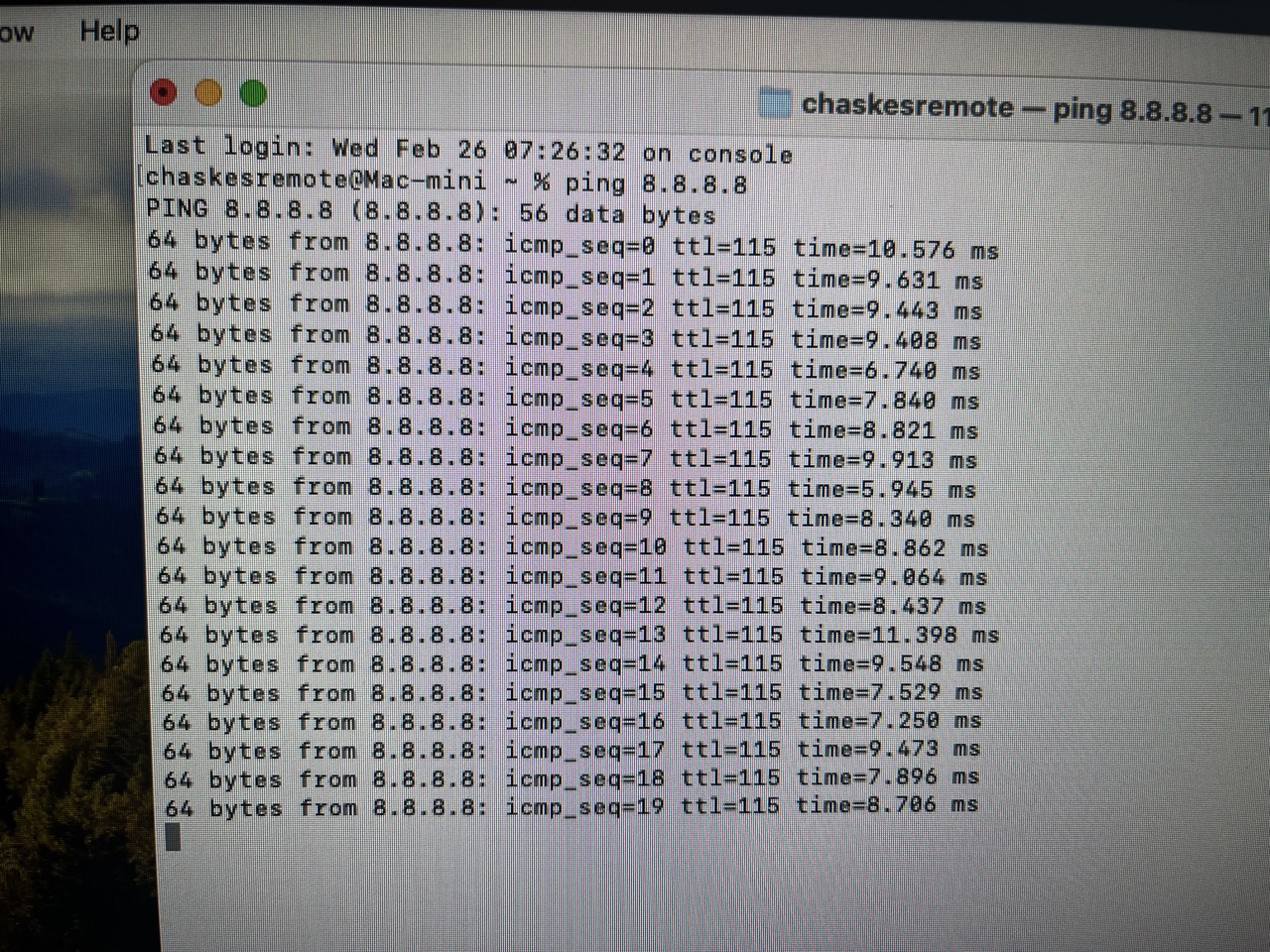
Also in terminal on your home cpu, you can do this on the edit too, type in
ping 8.8.8.8
Let it run for a bit and send a screenshot.
Which company and show are you on if I might ask? Have you talked to the IT people to make sure the jump desktop traffic is at the top of the QOS and that they don't have deep packet inspection on in the firewall?
-
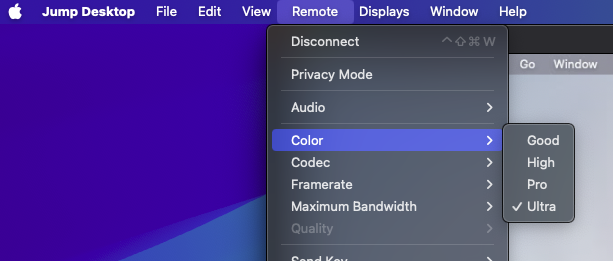
Switched to Fluid 2.0 and it makes no difference, unfortunately. Probably not worth hassling IT about since I can work perfectly well with the Single Window setting... it'd just be nice to have the Separate Windows option working also if possible. But thank you for your efforts on this.
-
Thanks Michael. When you are ready, just email support at support@jumpdesktop.com.
Please sign in to leave a comment.
Comments
54 comments