Sonoma and Mutliple Display Lag

Comments

54 comments

  • Avatar
    Al Levine

    This 100% fixes the issue! Kenneth, Haseeb, THANK YOU! 

    0
    Comment actions Permalink
  • Avatar
    Michael Chaskes

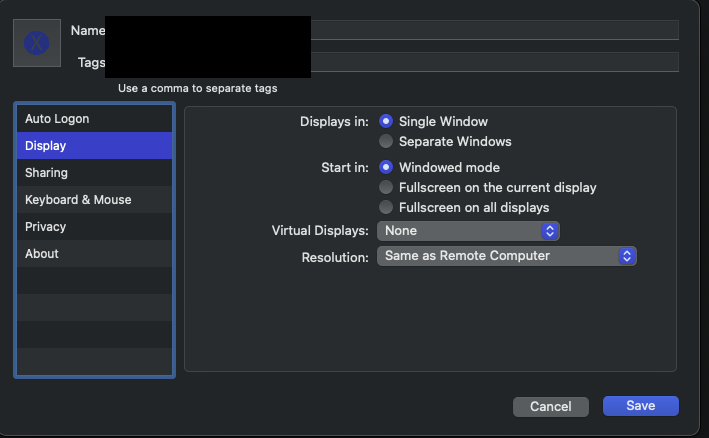
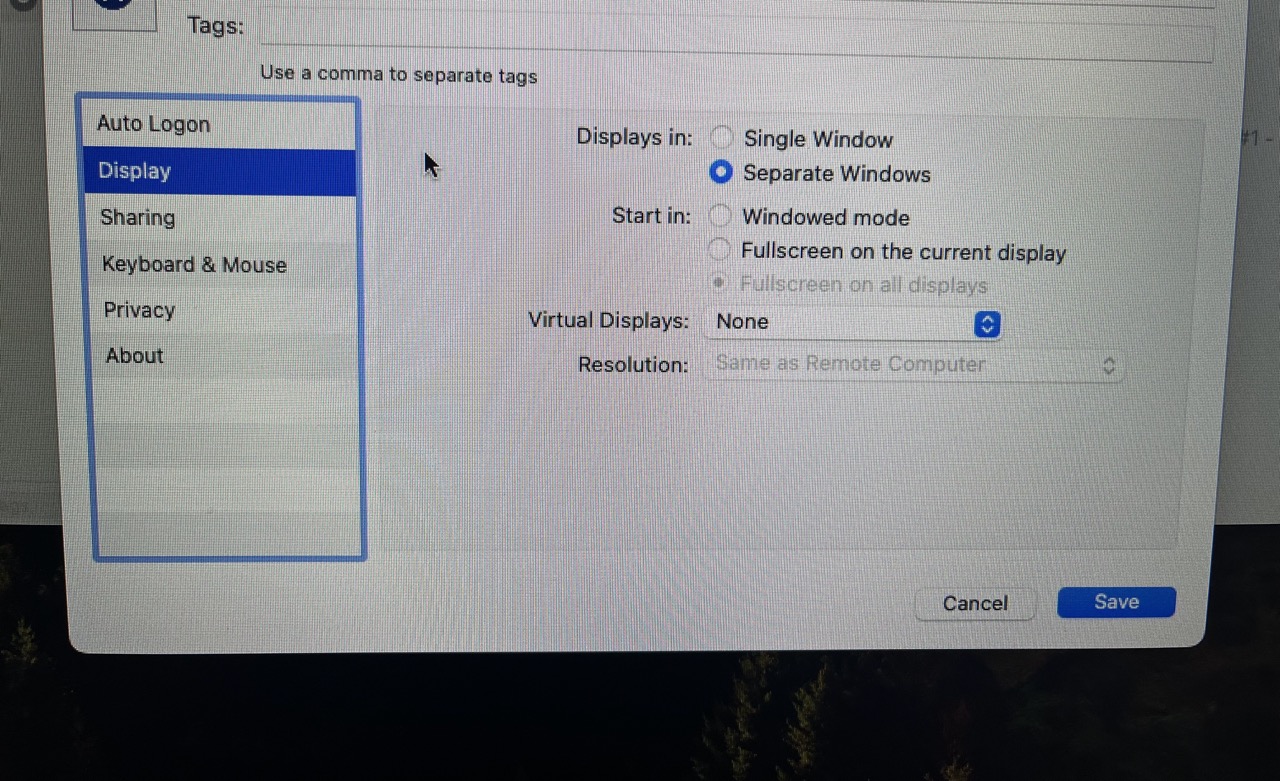
    The problem I described still exists:  severe picture lag when I have Jump set to Displays in Separate Windows.  Jump continues to work acceptably when set to Display in Single Window.  However, I'm still running Sonoma -- either the fix only works on Sequoia, or the problem I'm experiencing is different from Al's.

    0
    Comment actions Permalink
  • Avatar
    Kenneth Kordisch

    Hi Michael, what version of MC and OS is the host system and what version of Jump Desktop connect is it running? 

    0
    Comment actions Permalink
  • Avatar
    Michael Chaskes

    Oh, good question.  Host system is running OS 11.6.8, MC 2022.7.0, Jump 7.1.40.

    0
    Comment actions Permalink
  • Avatar
    Kenneth Kordisch

    Is the host system intel or apple silicon?

    0
    Comment actions Permalink
  • Avatar
    Michael Chaskes

    Intel

    0
    Comment actions Permalink
  • Avatar
    Kenneth Kordisch

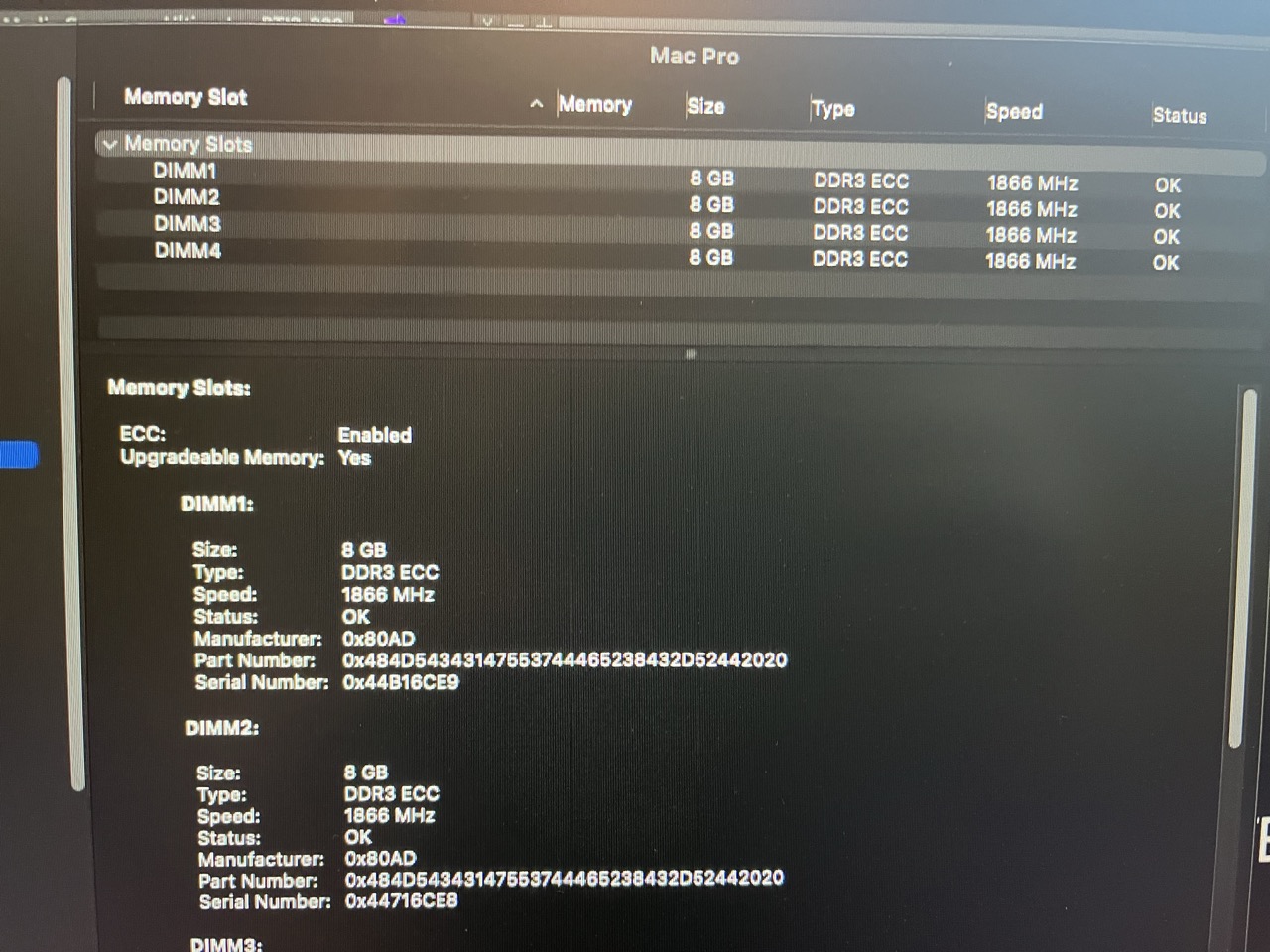
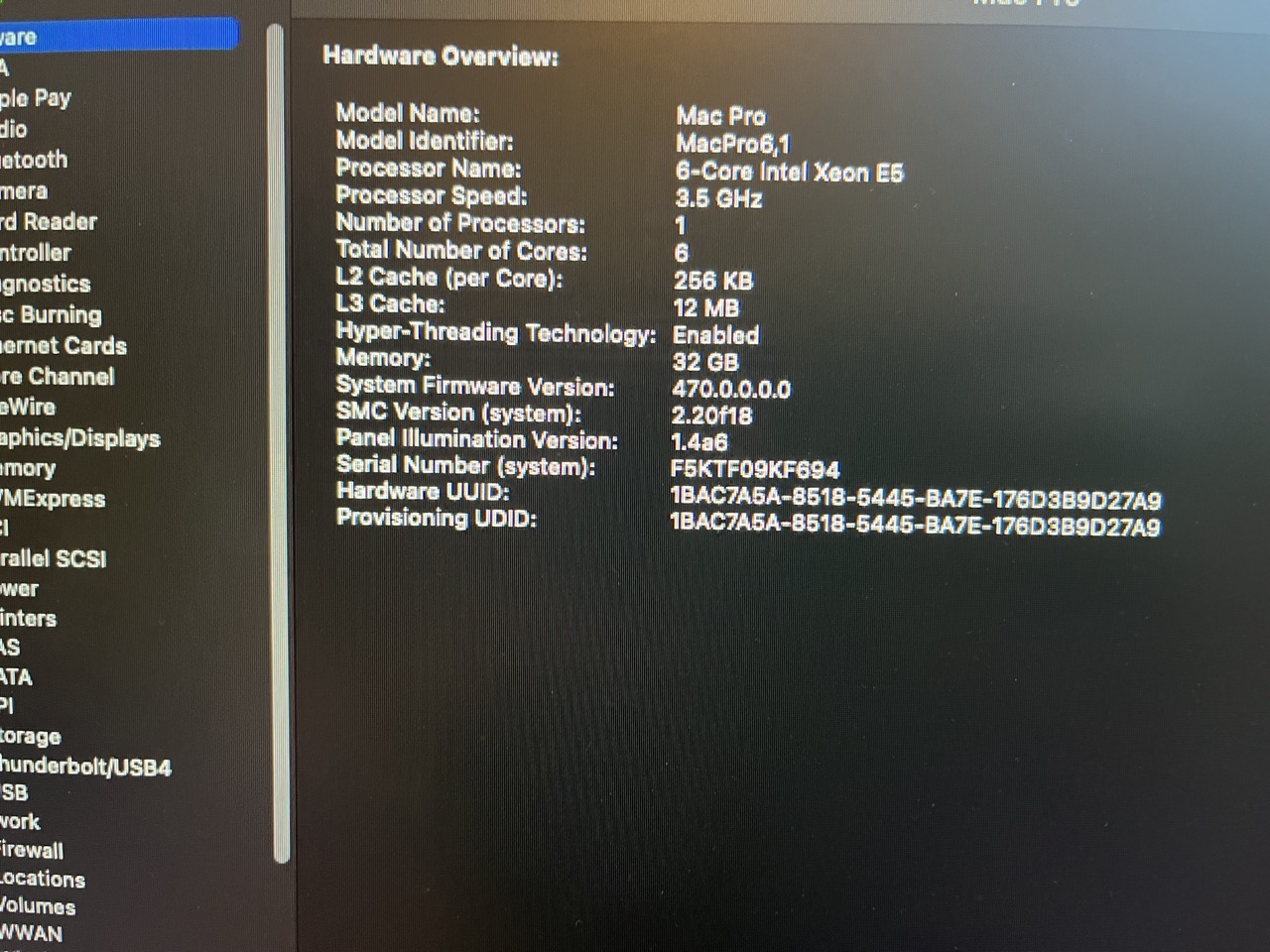
    Which model cpu is the intel? If you go to the apple at the top left, about this mac, System Report, can you attach a screenshot. Then also in system report, go down to memory and see if there are any ECC errors.

    0
    Comment actions Permalink
  • Avatar
    Michael Chaskes

    Not seeing any errors

    0
    Comment actions Permalink
  • Avatar
    Kenneth Kordisch

    Do you know what version of Jump Desktop Connect is running on the host? If you open Jump desktop connect, go to the gear then Diagnostics. It should tell you.

    0
    Comment actions Permalink
  • Avatar
    Michael Chaskes

    So sorry, I don't know how to get this info... I only have access to the host VIA Jump, and when I try to open Connect, nothing happens (I guess because it's already running)?  As previously noted, the info from the application icon itself says it's version 7.1.40.

    0
    Comment actions Permalink
  • Avatar
    Kenneth Kordisch

    If you right click on your edit in Jump, can you take a screenshot of this section for me?


    0
    Comment actions Permalink
  • Avatar
    Kenneth Kordisch

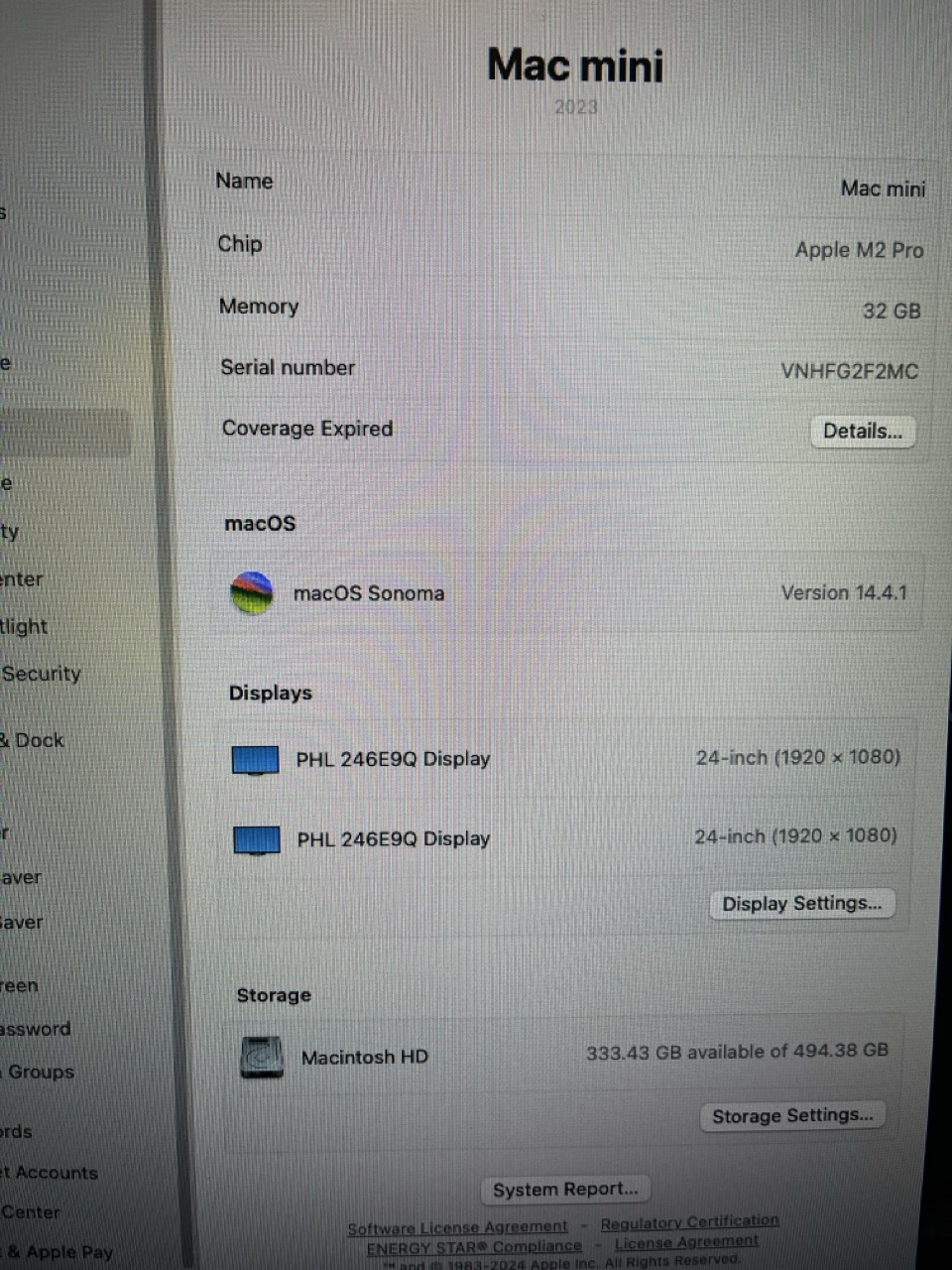
    And also what OS and model cpu is your home system? The work around of displays in single window, still working?

    0
    Comment actions Permalink
  • Avatar
    Michael Chaskes

    0
    Comment actions Permalink
  • Avatar
    Michael Chaskes (Edited )

    The above are both from my home system.  Again, not sure how to access the Jump info from the host.

    0
    Comment actions Permalink
  • Avatar
    Michael Chaskes

    And yes, Displays in Single Window still works fine.  A tiny bit of jerkiness in video playback that didn't exist when I remoted in from my old Intel system, but nothing that interferes with my ability to work.

    0
    Comment actions Permalink
  • Avatar
    Kenneth Kordisch

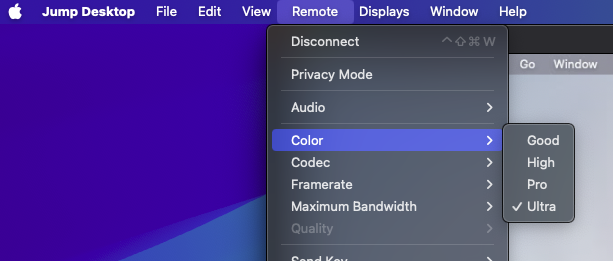
    Thanks for the info. In your jump menu bar once you are connected, what are color, codec, framerate, and maximum bandwidth set to?


    0
    Comment actions Permalink
  • Avatar
    Kenneth Kordisch

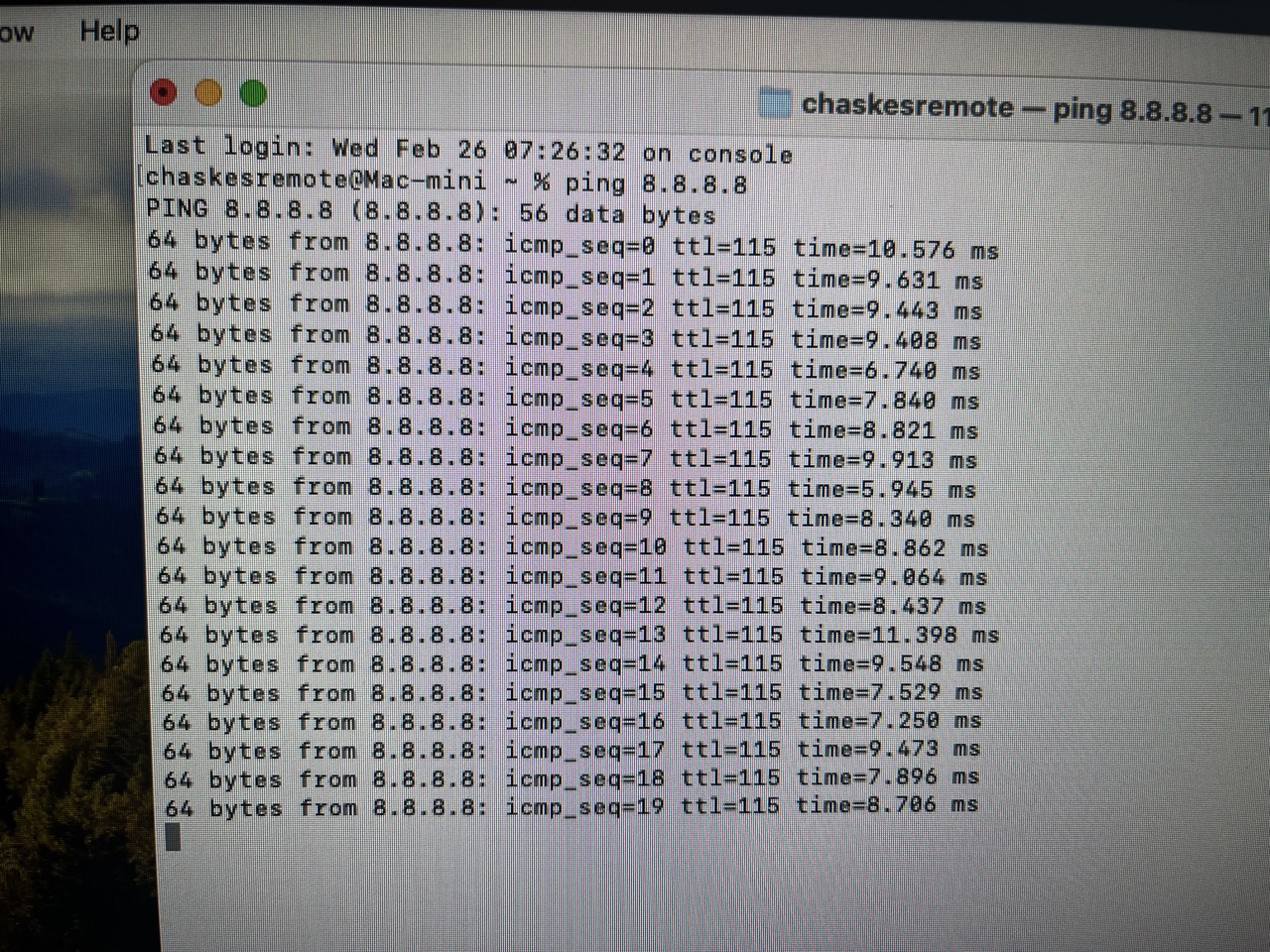
    Also in terminal on your home cpu, you can do this on the edit too, type in

    ping 8.8.8.8

    Let it run for a bit and send a screenshot.

    Which company and show are you on if I might ask? Have you talked to the IT people to make sure the jump desktop traffic is at the top of the QOS and that they don't have deep packet inspection on in the firewall?

    0
    Comment actions Permalink
  • Avatar
    Michael Chaskes

    "Thanks for the info. In your jump menu bar once you are connected, what are color, codec, framerate, and maximum bandwidth set to?"

    Good / Fluid / 60 fps / Auto

    0
    Comment actions Permalink
  • Avatar
    Michael Chaskes

    This is from my home machine.  I'd rather not do this on the host, have not been in contact with IT, and actually can't say the company/show.


    0
    Comment actions Permalink
  • Avatar
    Kenneth Kordisch (Edited )

    Have you tried setting codec to Fluid 2.0?

    Your pings look good too. Try Fluid 2.0 and if that doesn't help, I would check with IT at the office to see if they have Jump traffic prioritized and deep packet inspection needs to be off. 

    0
    Comment actions Permalink
  • Avatar
    Michael Chaskes (Edited )

    Switched to Fluid 2.0 and it makes no difference, unfortunately.  Probably not worth hassling IT about since I can work perfectly well with the Single Window setting... it'd just be nice to have the Separate Windows option working also if possible.  But thank you for your efforts on this.

    0
    Comment actions Permalink
  • Avatar
    Kenneth Kordisch

    This is definitely odd. If you have some time today, I would like to take a look. You can email me at Kenny @ ezpzpost dot com.

    0
    Comment actions Permalink
  • Avatar
    Michael Chaskes

    Thanks much for the offer, Kenneth. Due to the NDA on my show, I can't let anyone on my system.  I will be on another show in April and may have more flexibility to have you hop on.

    0
    Comment actions Permalink
  • Avatar
    Kenneth Kordisch

    Thanks Michael. When you are ready, just email support at support@jumpdesktop.com.
    0
    Comment actions Permalink

Please sign in to leave a comment.